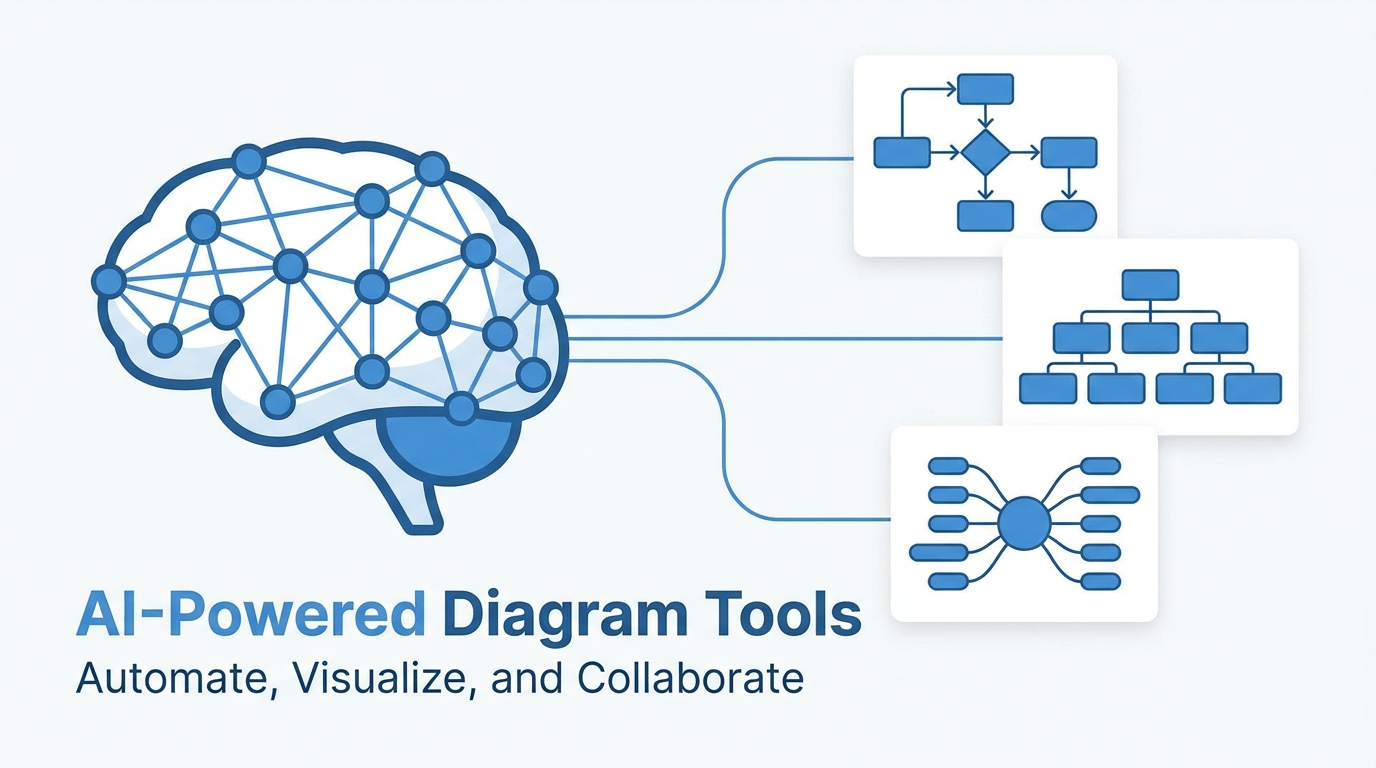
Diagramming used to mean spending 30 minutes dragging boxes and arrows in Visio or Lucidchart. In 2026, AI has changed the workflow. You describe the diagram you need in plain language and the tool generates it, complete with layout, connections, and styling. For business teams that produce flowcharts, org charts, and process maps on a regular cadence, the time savings are substantial.
This article reviews five AI-powered diagram tools that are worth evaluating if your team still builds diagrams by hand.
What Makes an AI Diagram Tool Different
Traditional diagramming tools give you a canvas and a shape library. You pick shapes, place them, draw connectors, align everything, and format the result. AI diagram tools skip most of that. You provide a text description, a data set, or a list of steps, and the AI handles the layout, the connector routing, and the visual styling.
The practical benefit isn’t just speed. It’s consistency. When five team members each build a process map by hand, you get five different styles. When the AI generates all five from the same prompt format, the output is visually consistent without a brand guideline document.
The 5 Tools Worth Evaluating
1. ChartGen AI
ChartGen’s AI diagram maker generates flowcharts, org charts, network diagrams, and process maps from natural language. You type something like “create an org chart for a 30-person engineering team with three sub-teams” and get a formatted diagram in seconds. The output can be exported as PNG or SVG, and the tool supports nine diagram types in total.
The free tier is generous enough for individual use, and the interface requires no signup to start generating. For teams that need quick diagrams for internal documentation, it’s one of the fastest options available.
2. Miro AI
Miro added AI-assisted diagramming to its whiteboard platform in late 2025. The integration is useful if your team already lives in Miro for brainstorming and sprint planning. The AI can generate basic flowcharts and mind maps from prompts, though it’s less capable than dedicated diagram tools for complex layouts like network diagrams or ER diagrams.
3. Lucidchart AI
Lucidchart’s AI features focus on auto-layout and data-linked diagrams rather than full text-to-diagram generation. The strongest use case is importing a CSV of employee data and having Lucidchart build an org chart automatically. For teams on Lucidchart already, the AI features are a natural extension.
4. Eraser.io
Eraser is designed for technical teams and supports diagram-as-code alongside AI generation. You can write a text description or use a markdown-like syntax to define architecture diagrams. The output leans toward software engineering diagrams (system architecture, sequence diagrams) rather than general business diagrams.
5. Whimsical AI
Whimsical added AI flowchart generation that works well for simple decision trees and process flows. The interface is clean and the results look polished. The limitation is scope: it handles flowcharts and mind maps but doesn’t support org charts, ER diagrams, or network diagrams.
How to Choose
If your team needs general-purpose AI diagramming with the widest type coverage and fastest generation, ChartGen is the strongest option. If you’re already embedded in Miro or Lucidchart and want AI as an add-on to your existing workflow, those platforms make more sense. Eraser is best for engineering teams that prefer code-defined diagrams. Whimsical works well for product teams focused on simple flows.
The best approach is to test two or three tools with a real diagram your team needs this week. AI diagramming tools are easy to evaluate because the output is immediate: you’ll know in 60 seconds whether the tool handles your use case.
Conclusion
AI diagram tools have moved past the novelty stage. For teams that produce more than a handful of diagrams per month, they save hours of layout work and deliver more consistent results than manual diagramming. Start with a tool that covers the diagram types you use most and evaluate from there.